
Schools
A school day worth protecting.
Explore the placeThe school day continuesWatch film · 1:42Designed for 24/7 awareness, Aspinos connects cameras, access events and operational systems to recognise risks, coordinate responses and keep your site running.
Connect the camera view to the place, the task and the people who can act.
One place comes into focusSchool entrance
The spatial view is unavailable. The camera references remain visible; explore the story below.
SIMULATED · Illustrated sources and workflows
An armed threat needs more than a recording. The right people need the location, the evidence and a way to respond together.
A possible weapon outside a school. Bring the source, the location and the people who can act into one response.
Bring the entrance, the evidence and the missing information to the people responsible for the response.
Review the object in its original frame. Keep uncertainty visible before deciding what happens next.
Agents check the site rules, gather the case and prepare each recipient’s task.
In this illustrated response, each recipient has a task. A consequential instruction stays with the named decision-maker.
Follow who has acknowledged, what still needs checking and which decisions remain open.
A blocked route. A staff report. A concern at an entrance. Each can leave people searching for context before they can respond.
Aspinos brings that context into one case, gives the next task an owner and keeps decisions and follow-up connected.
From a concern to a coordinated response. Five situations in 30 seconds.
Pushing and a blocked path
Retain the sequence and request context from school staff.
Responsible personSchool safeguarding lead
Start with what the source shows.
 Selected observation
Keep observable behaviour separate from assumptions.
The animation could not load. Retry or choose a situation to read its details.
Agents run the work. People hold the authority.
Illustrated possibilities. Explore the current product and its evidence.
Pushing or path blocking can warrant safeguarding review. Bullying or repeated intimidation needs context and reports across time; one clip cannot establish either. No identity, intent or validated fight detector is inferred.
These examples use simulated scenes. They do not show live detection, a sent notification or a prevented incident.
Review current capabilities and evidence · Explore the product demonstrationHelp caretakers and volunteers keep entrances accessible, share concerns and coordinate the next check.
Ordinary life. An observable concern.
Configured emergency response
Waiting for evidence and permission.
A wider instruction stays with the community safety lead.
SIMULATED · Authored scene reference
A factory boundary. A hotel concern. A waiting queue. Follow each observation into the work it needs.
Explore the checks, handovers and responses that matter to each team.
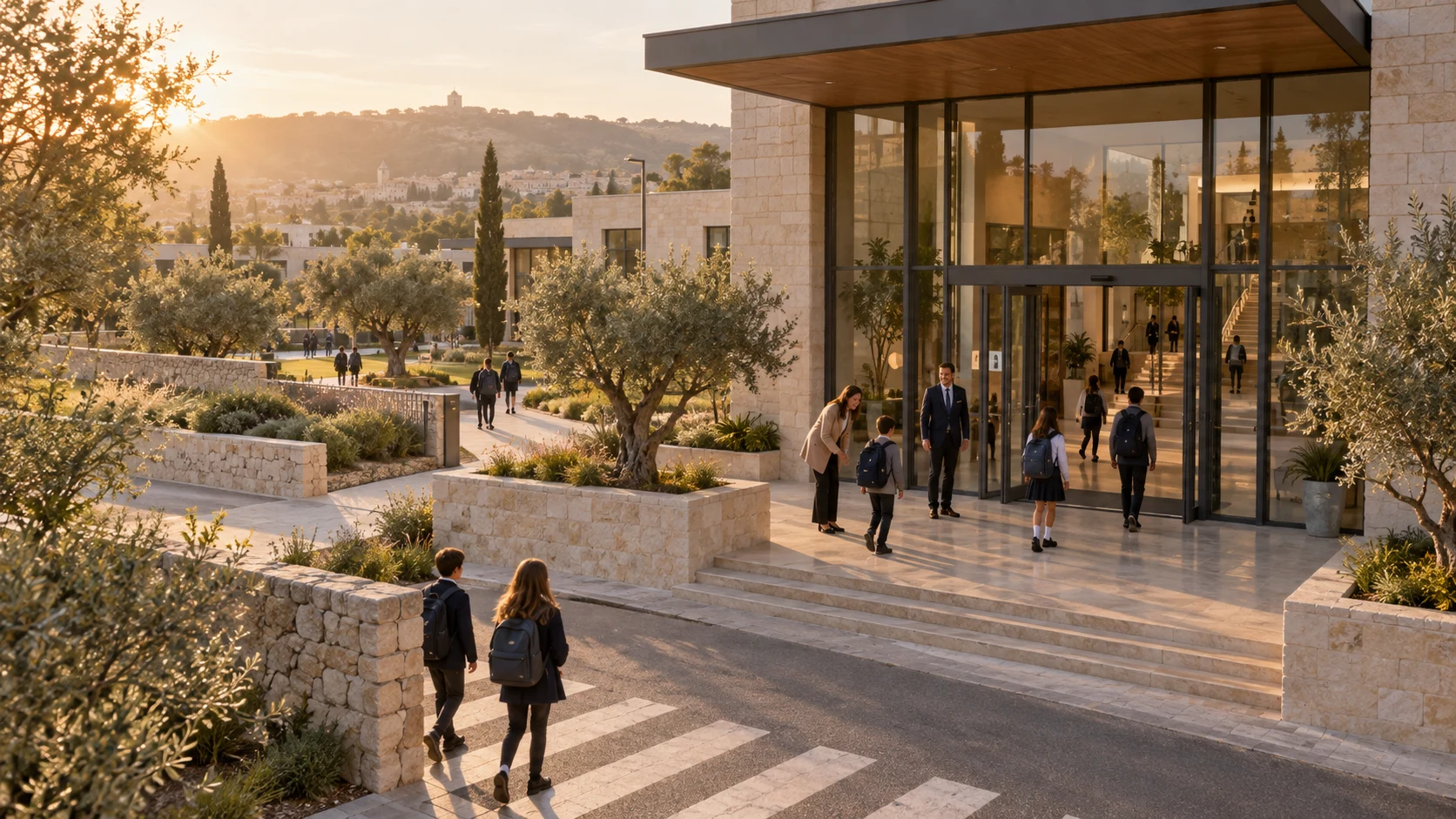
A school day worth protecting.
Explore the placeThe school day continuesWatch film · 1:42
Keep gathering welcoming and well run.
Explore the placeKeep the welcome openWatch film · 1:41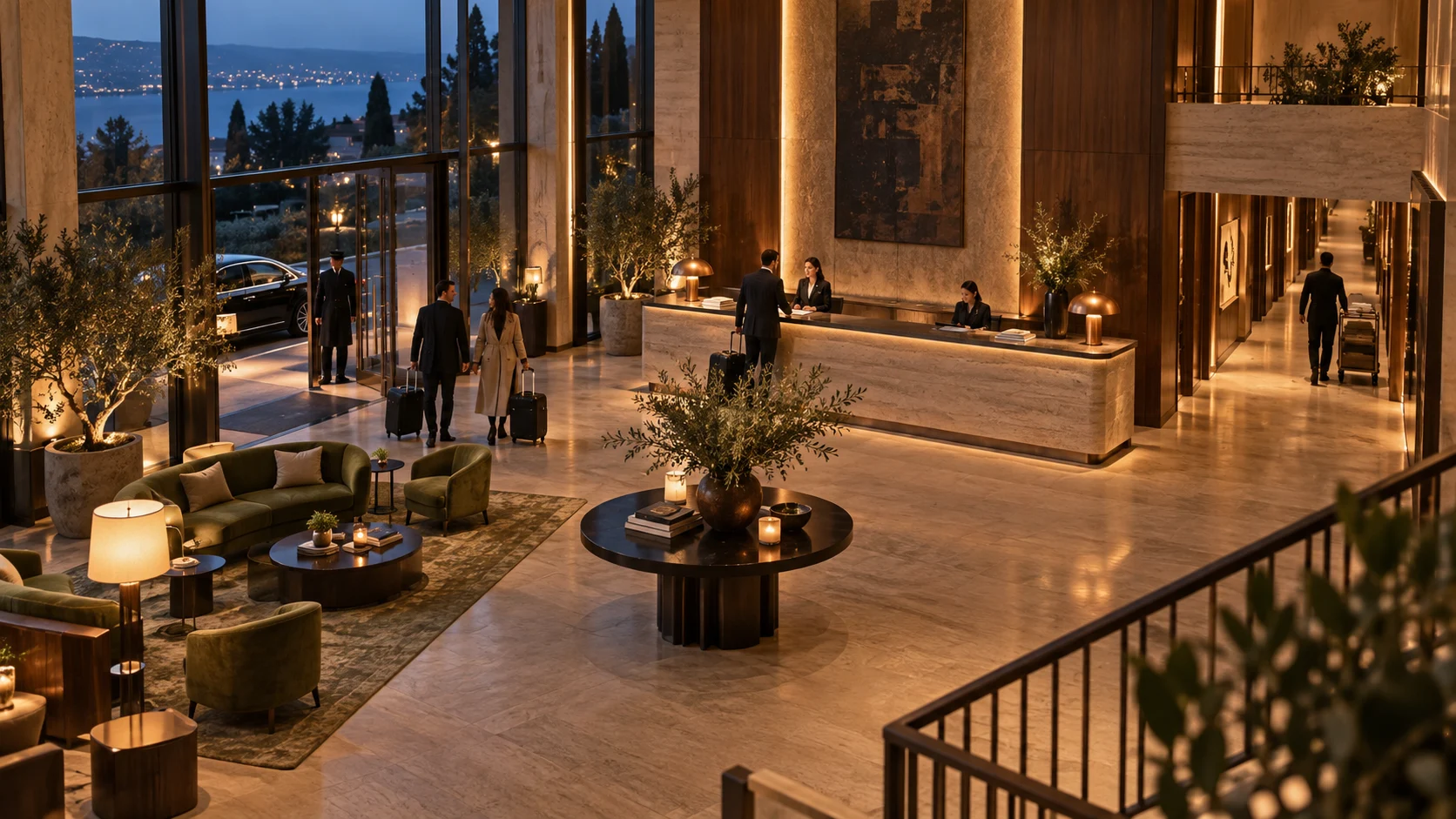
Connect the work behind the guest experience.
Explore the placeBehind a good stayWatch film · 1:46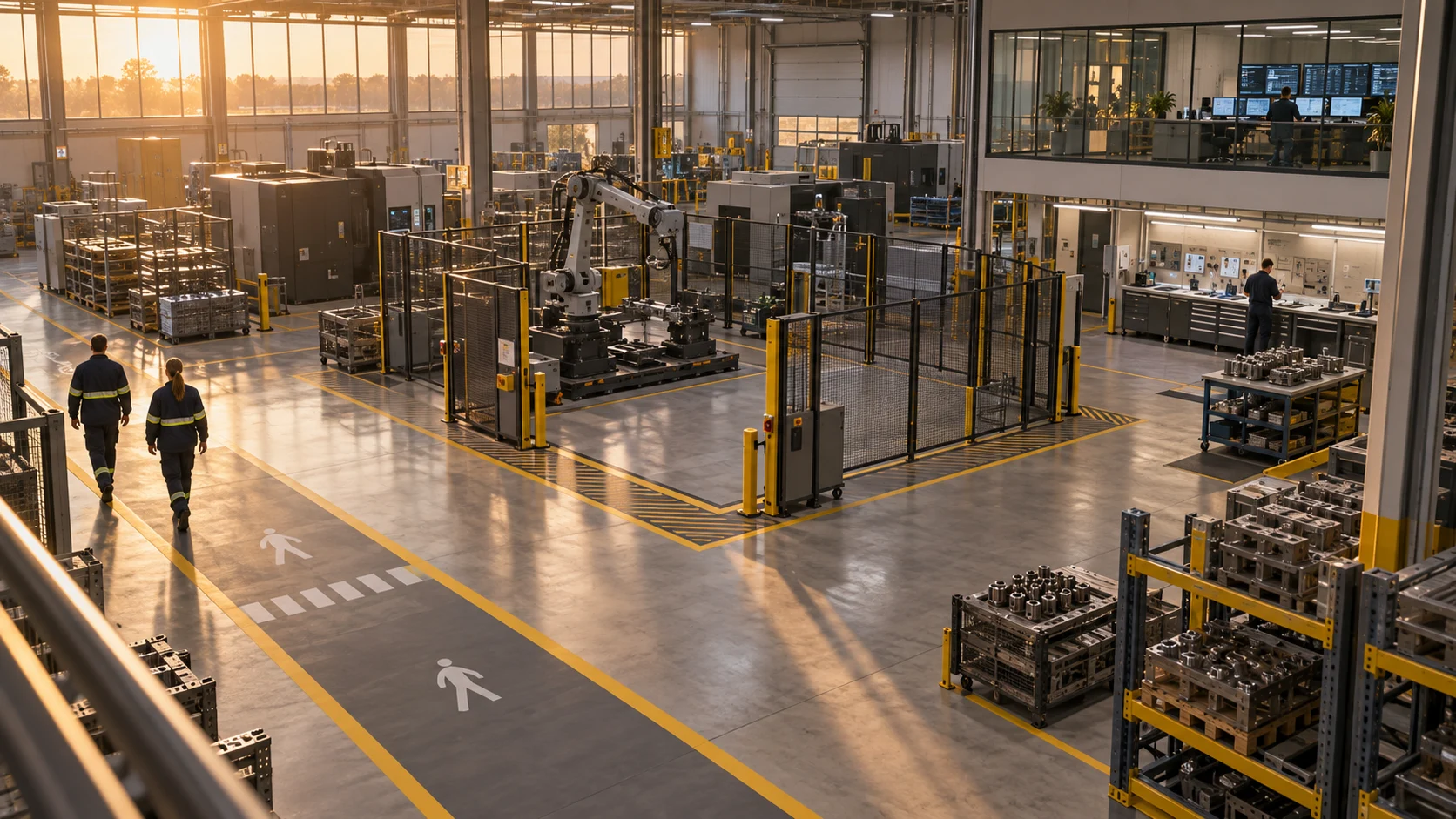
Bring the floor, the evidence and the next check to the control room.
Explore the placeThe next shift needs to knowWatch film · 1:49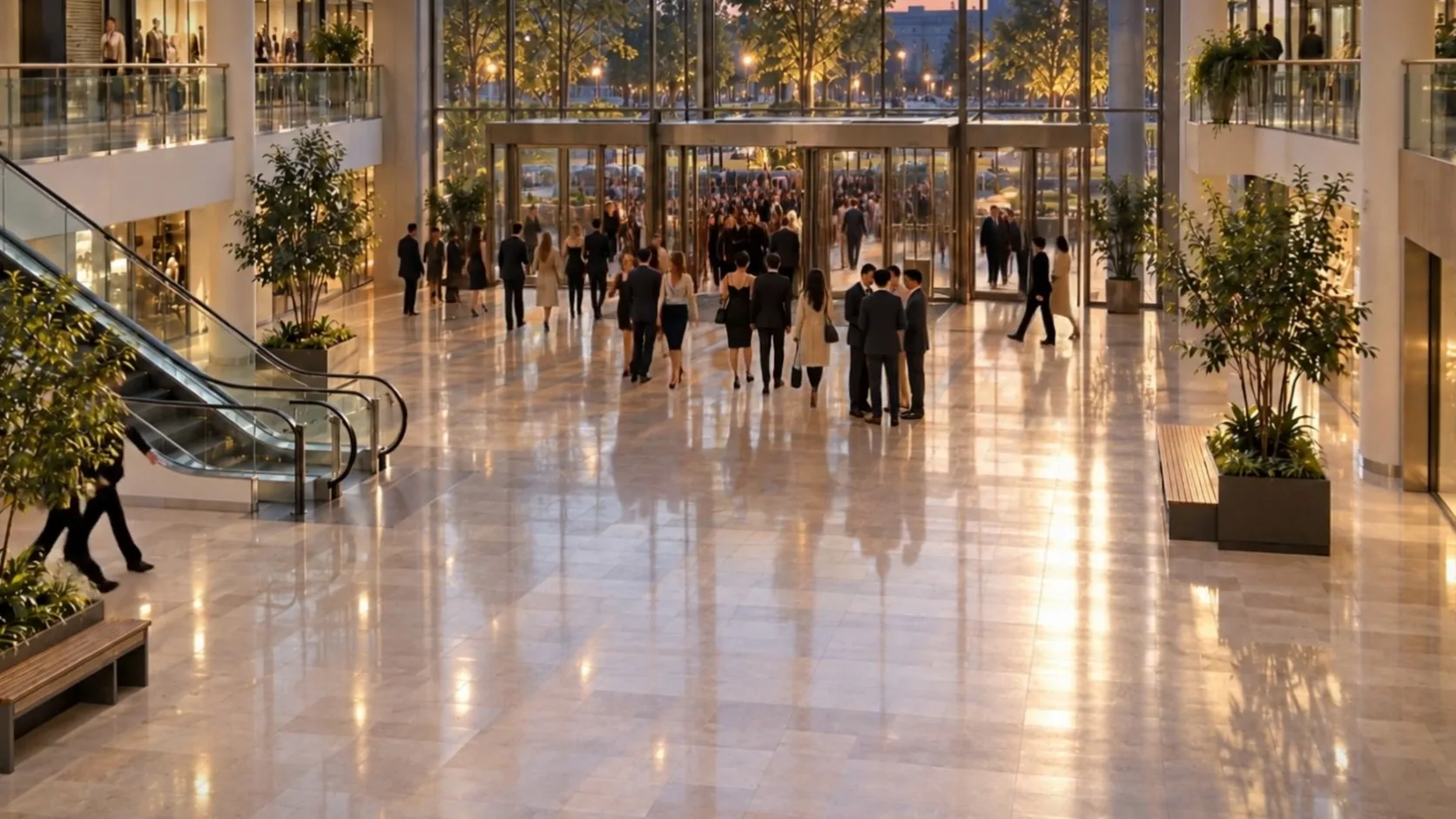
Connect the teams behind a busy evening.
Explore the placeA place changes by the hourWatch film · 1:42Connect observations to the site’s rules and responsibilities. Agents check the case, prepare tasks and coordinate permitted work. Consequential actions wait for a named person.
Explore the platformPlace the source on the site. Keep its condition and the local rules beside the observation.
SIMULATED · Authored site model
Keep what happened, what remains unknown and who needs to act together in one case.
Keep the original observation attached to the work.
Explore site intelligenceCheck the location and site rule. Carry unanswered questions into the case.
Build a sample caseName the task and its recipient. Keep a consequential instruction held for its approver.
Follow the response
Start with supported camera inputs. Add site context, defined agent work and the permissions each action needs.
Start with a supported camera input and its known operating conditions.
Explore deploymentProcess the observation, check site context and prepare the permitted task.
See how the roles connectKeep the action, its target and the named decision together.
Follow the responseAspinos connects perception, site context and agent work. CPU camera-processing experiments inform the design; further model adaptation, training and site evaluation are development work.
Read the measured conditions
Inspect the prototype’s task and decision records, the separate camera-processing experiments and the next evaluation work.
Start with what the source actually showed.
Inspect the sourceFollow what was prepared, authorised, received and still awaiting a result.
Inspect the recorded workA routine visit, a door left open, a camera signal lost. Aspinos prepares the next task and keeps consequential actions with the people responsible.
Illustrated workflows. Field evaluation pending.
Read the evaluation planThe scenes on this page are authored scenarios. Prototype records and measured evaluations retain their own sources, conditions and limits.
Co-founder & CTO
Istanbul, Türkiye
Computer vision and edge AI engineer focused on real-time physical-world intelligence. Sharoze leads Aspinos’ perception and runtime stack, from camera ingestion and vision pipelines to optimised edge deployment.
Netcad · IEEE · NVIDIA Edge AI
Co-founder & CEO
Toronto, Canada
Entrepreneur, AI strategist and founder of Beonbrand Inc., with a background in international broadcast journalism at Al Jazeera Turk. Yusuf leads Aspinos’ product vision, strategy, partnerships and market development.
Fulbright Canada · YLAI · Beonbrand · Al Jazeera Turk
